Menu

Stellio Player

Hand crafted by humans music player with high quality sound and aesthetic interface

  • Hi-Res playback
  • Parametric equalizer
  • Lyrics, saved for offline
  • Themes that change the whole look
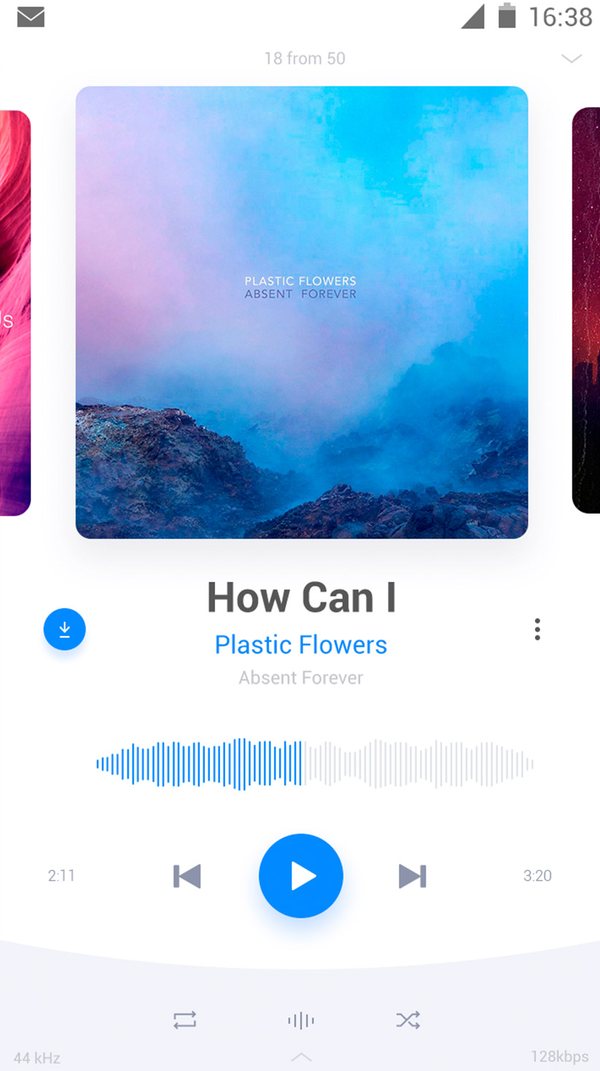
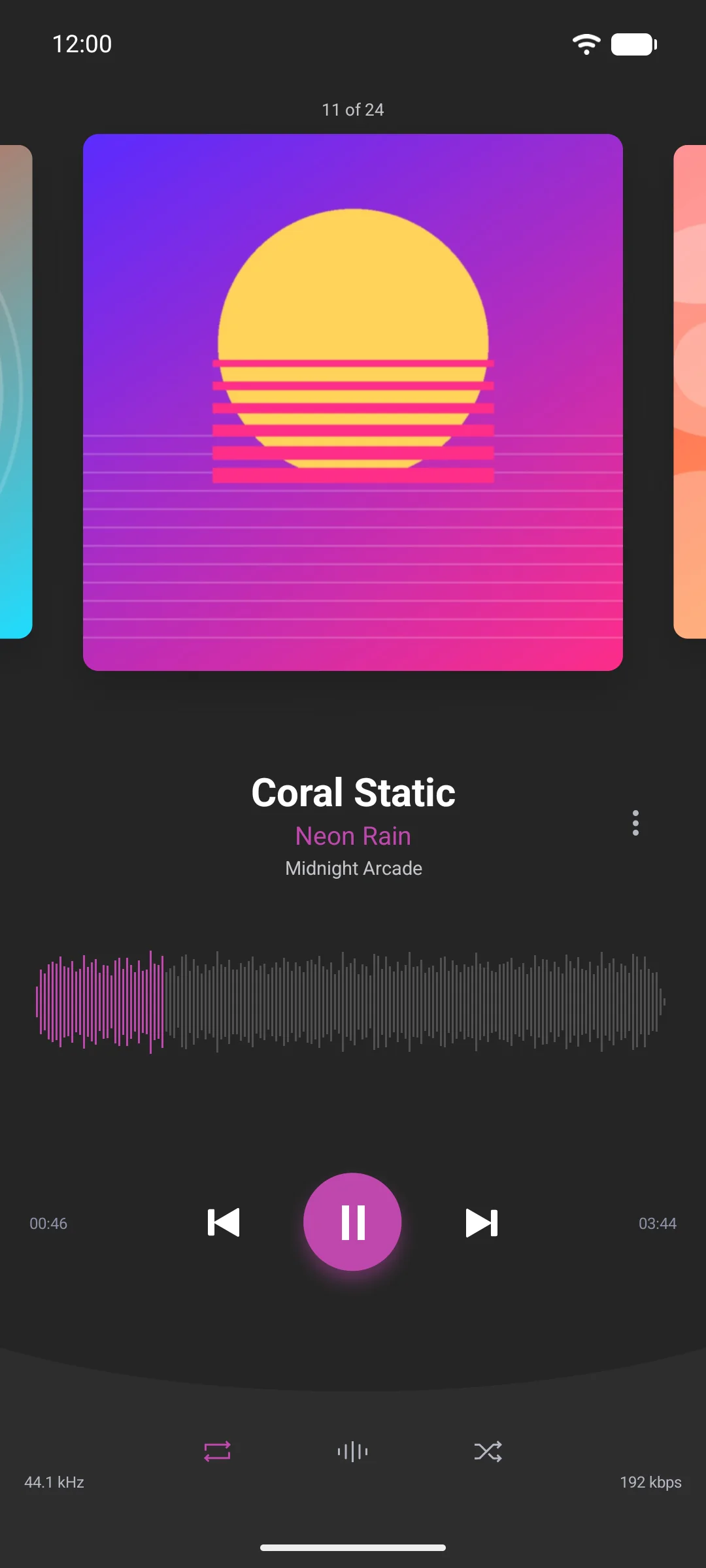
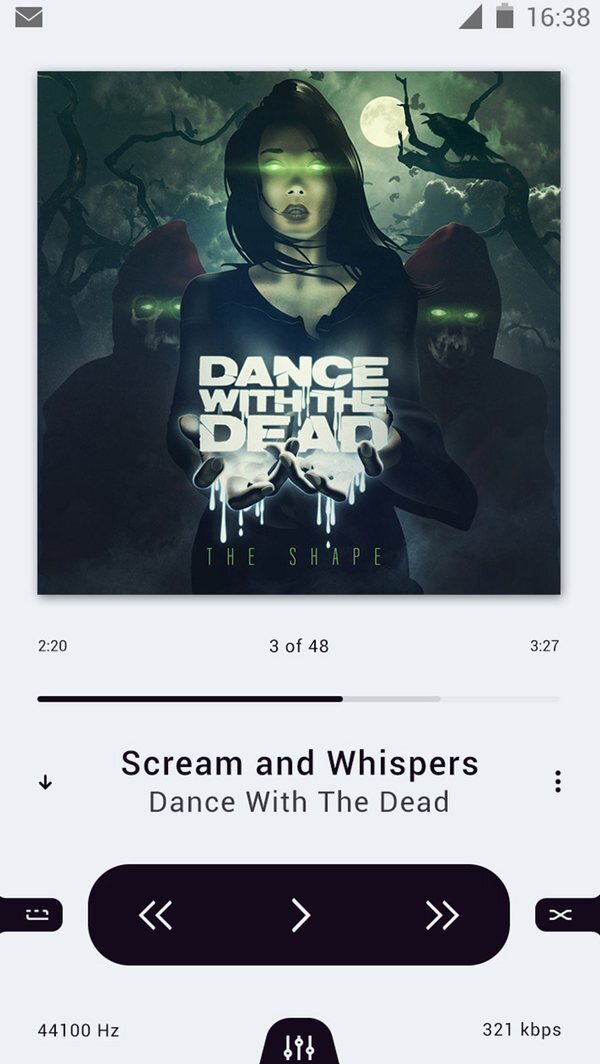
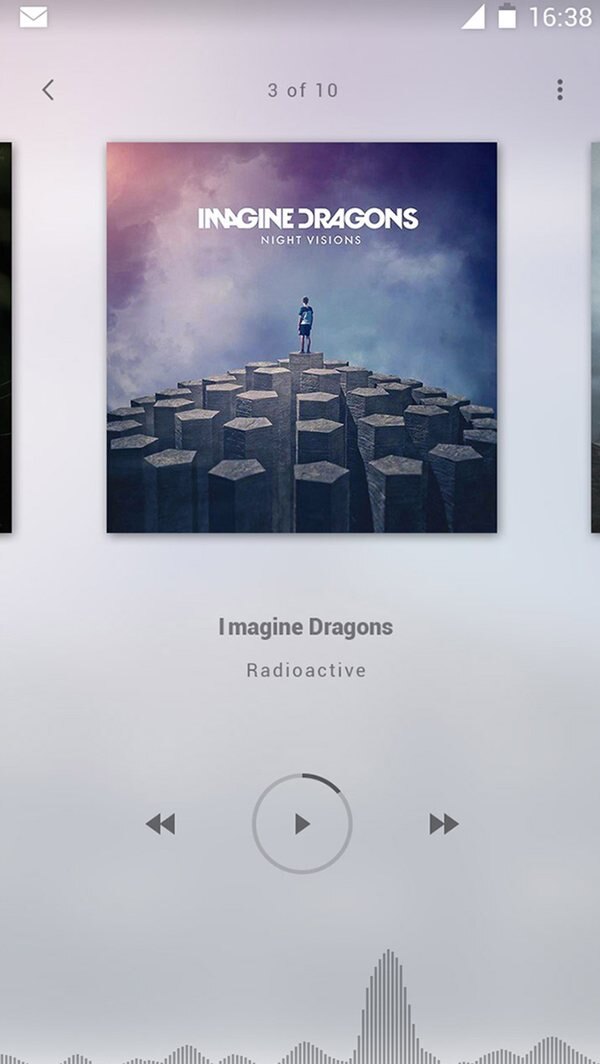
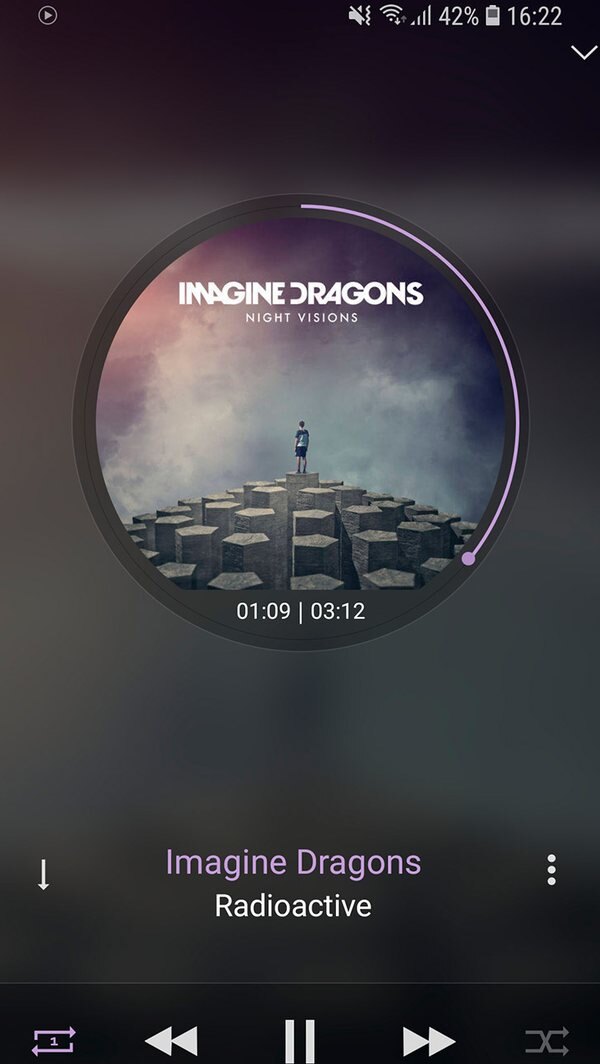
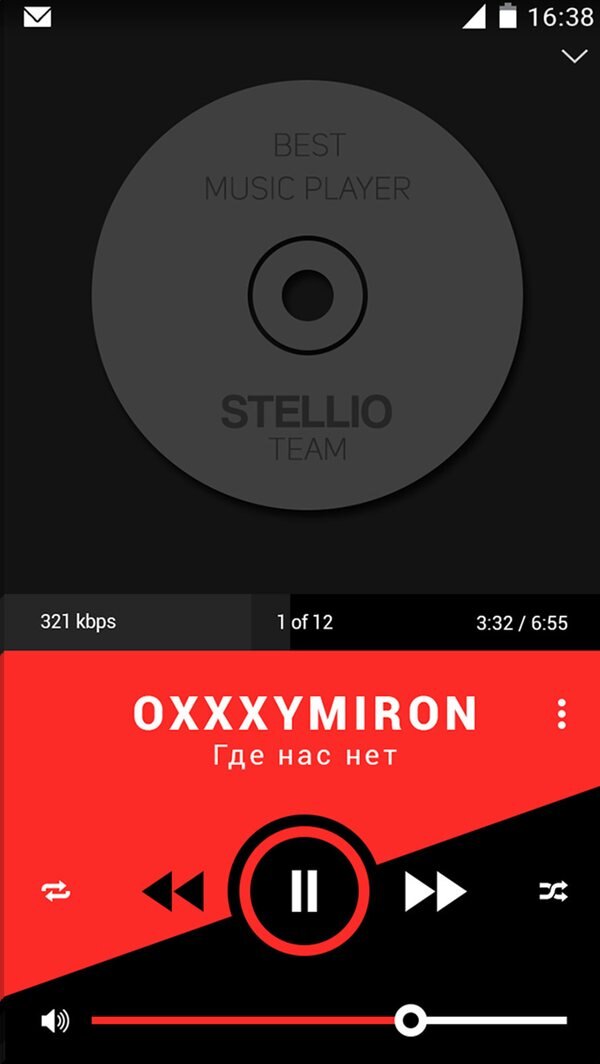
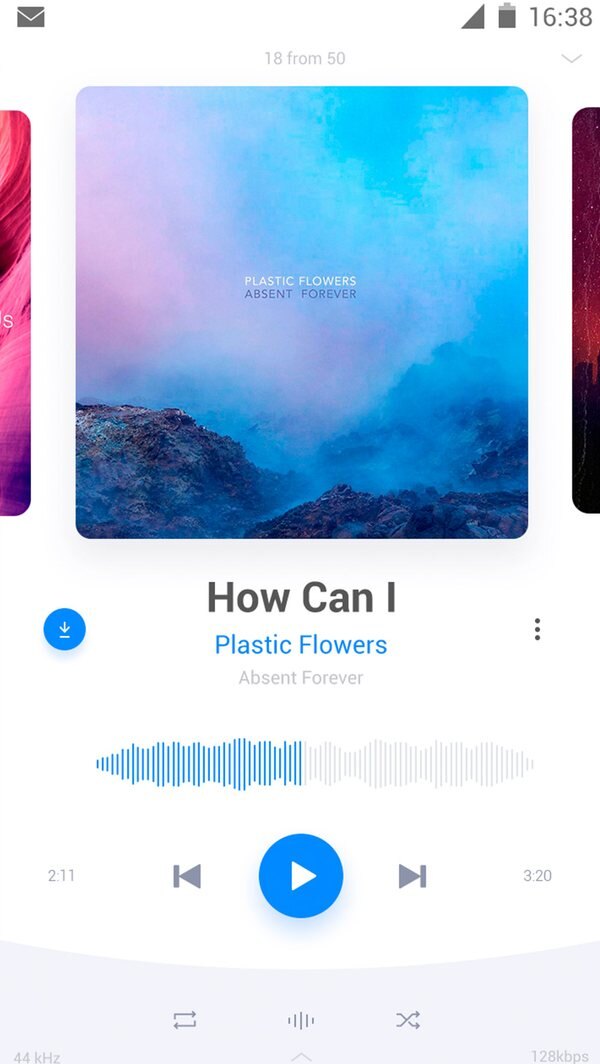
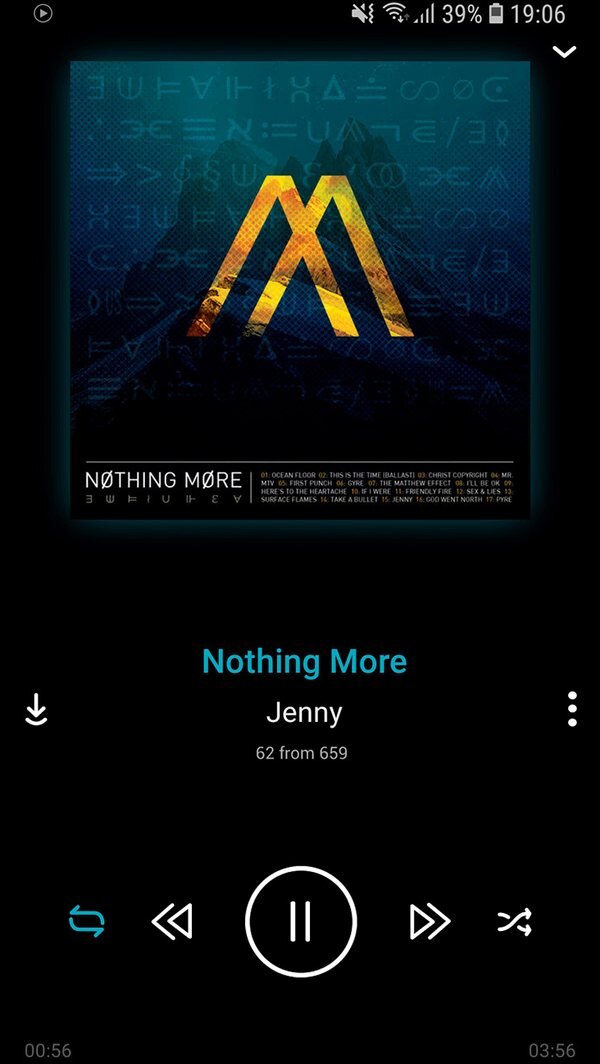
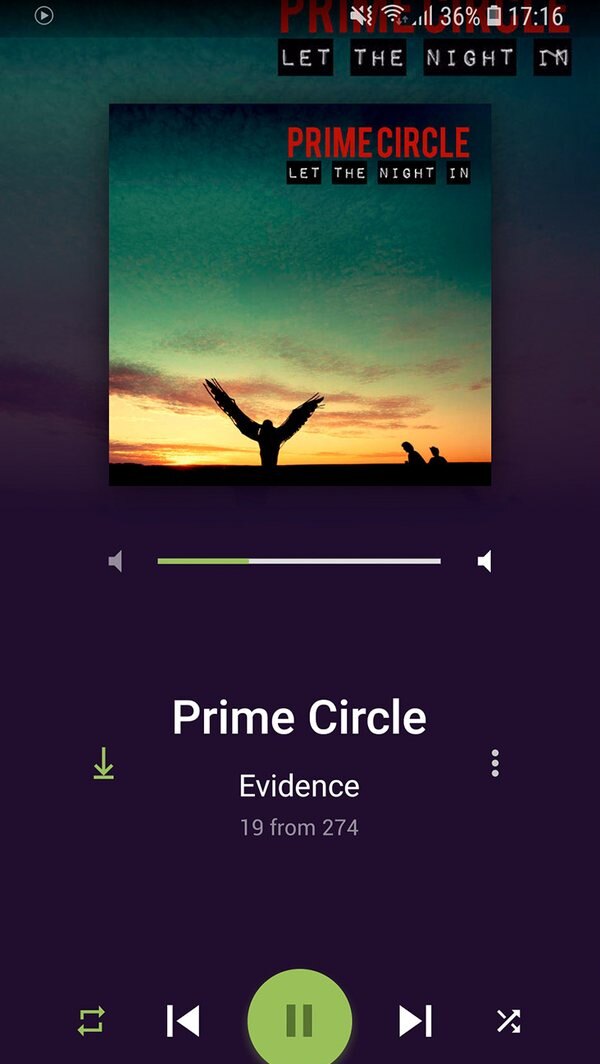
Stellio Player: the playing trackStellio Player: the playing track

VK Player

Stellio Player with your VK music. The Google Play build has no VK.

  • Listen and cache it for offline
  • Download files in MP3
  • Follow your artists
  • Listen without audio ads
  • High audio quality available FLAC

Features that improve your life

  • Cover searchFind album art on the internet.
  • Tag editorFix titles, artists and albums.
  • Your library, sortedBy albums, artists, genres and folders.
  • Plays your filesFLAC, MP3, CUE, APE, M4A and others.
  • Widgets and notificationsPick how they look.
  • Android WearControl music from your watch.
  • Sleep timerStop after a number of tracks or minutes.
  • Switch tracks your wayWith a headset, a shake of the phone or the volume buttons.
  • Crossfade and gapless playbackTracks flow into each other.
  • Equalizer presets for your headphone modelCorrect your headphones toward a neutral sound.
  • USB DACsBit-perfect playback, and DSD over DoP.

Themes

Seven themes, each with its own look. Tap one to see it.

Colours follow the cover

The interface takes its colours from the cover of the playing track. That is why the icon is a chameleon.

What's new in Stellio Player

v7.7.112 Nov 2026

Fixes from your feedback

A small update with fixes and polish.

  • Bit-perfect and DSD (DoP) playback now works on more USB DACs.
  • Crossfade settings are back in Audio, right under Gapless.
  • The visualizer fills the whole screen in landscape.
  • VK: search results get a Show all button, and "All" starts with the tracks already shown.
  • VK: the search bar no longer disappears when you open search again.
  • Sheets open and close more smoothly.
v7.7.07 Nov 2026

Sound quality and stability

In this update we keep working on audio quality and stability. Thanks for your valuable feedback!

  • New Hi-Res audio settings. With high-quality headphones the player now uses their full power.
  • Equalizer presets for your headphones now work: they correct your model's sound toward a neutral standard.
  • The star icon is gone from the mini player bar, back to how it was. Favourites are still in the context menu.
  • Better limiter quality, and you can now change its advanced settings. Still, for the cleanest sound I suggest DVC.
v7.6.02 Nov 2026

A new Help and What's new

The FAQ is now a full screen you can search, with short answers and pictures instead of walls of text. Open it from Settings > Contact us.

  • Search finds a question in a second.
  • Each answer is split into short steps.
  • Can't find yours? Email and chat links are at the bottom.

After every update this screen tells you what changed. You can open it again any time from Settings > About.

v7.5.128 Oct 2026

Tags, equalizer and VK

  • The tag editor lists fields in a table with labels, and the file name in the header can be changed.
  • Tap the format chip in the equalizer to see the audio path from file to output device.
  • VK: My music has Tracks, Playlists and Albums tabs, and friend and group pages open on Audio, Wall and Playlists.
  • VK no longer wakes the app 60 times a second in the background, which saves battery.

Join the community

Follow updates of other Stellio products and platforms, talk with other listeners, ask for new features and bug fixes.

Stellio Player: questions

Purchase

I bought a code on the website and can't activate it

Please use Restore code: pick the app, and we mail its codes again and unbind them. Enter one on the new device right away.

I bought on Google Play and can't activate

Log in to your Google Play account on this device and reopen Stellio: the purchase is applied automatically.

Still not active?

  1. Check that Play Store uses the same Google account you paid with (Play Store → your profile picture).
  2. Check you are online and the Play Store app is up to date.
  3. Clear the Play Store cache: Settings → Apps → Google Play Store → Storage → Clear cache.
  4. Find the order in Play Store → profile picture → Payments & subscriptions → Budget & history. No order there? It was paid from another Google account.
  5. Close Stellio completely, wait a few minutes and open it again.

Apps like Lucky Patcher can block the licence check. Nothing helped? Email us from the email of the Google account you bought with.

How to activate Stellio Premium on my other devices?

If you bought in-app via Google Play:

  1. Log in Google Play with account where you bought Premium.
  2. Close and open the player. It will be activated automatically

If you have an activation code:

  1. Settings => About => Bind code.
  2. Open the player on another device and in the purchase dialog click on Have bound code?
How to get an activation code for Stellio Player?

Buy Stellio on Google Play, then email stellio.play@gmail.com from the email of the Google account you bought with: we'll send you an activation code to enter in the player. Can't buy on Google Play? Email stellio.play@gmail.com as well.

Playback

How to use 3-rd party equalizers with Stellio?
  1. Disable the equalizer in Stellio — Equalizer=>Menu=>Disable
  2. If it does not help — kill and open Stellio or reboot the phone
  • Enable compatible mode if you use ViPER4Android (ViperFX)
Music skips, hiccups, stutters

Audio skipping is a complex issue, it can be generated by many factors:

  • SD card issues (try to play same file in stock player, if it happens there as well — that's it). Can happen also if many songs/images/movies recently uploaded to the phone (stock system scanner one some devices is slow and takes a lot of SD card bandwidth)
  • Bluetooth issues. This usually affects any player on the device. Try to Unpair, then Pair BT device again
  • HTC Sense 4.0+Beats ROMs produces skips. Try to disable beats for Stellio
  • additional 3rd party audio effects. Try to temporarily disable additional audio effects and check if it helps
  • some cpu hungry apps (free app like OSMonitor can show total and per process cpu consumption and find offending app/service)
  • some broken formats (if skipping happens for the same songs, always, and doesn't happen for others)

You can increase audio buffer in order to prevent stuttering via Settings => Audio => Audio buffer size

Music stops when locking a screen

Check:

  • If your device has "White list of apps" then try to add the player there.
  • Check permission for background activity.
  • Try to disable player's equalizer (Equalizer — Context menu Three dots at the right top corner — Disable).

Phone makers close apps in the background to save battery: see A Stellio app stops working in the background.

Other

Which permissions has the player and why?
  • READ_PHONE_STATE — Set pause on call and resume playback on call end.
  • WRITE_EXTERNAL_STORAGE — Save covers, cache tracks, delete tracks, edit tags.
  • INTERNET — Access to network. To be able to download covers, view lyrics and do all actions with VKontakte.
  • ACCESS_NETWORK_STATE — Check whether or not internet is available.
  • WRITE_SETTINGS — To be able to set a track as ringtone.
  • ACCESS_WIFI_STATE — To check whether or not download cover art. Need only if you enable "Only via WiFi".
  • RECEIVE_BOOT_COMPLETED — To start background service to be able to listen headset events. Need only if you enable "Start playing on headset is plugged" or "Start playing on bluetooth headset is plugged".
How to move cache on a sdcard?
  1. Move your cache to the folder you need using a file manager
  2. Change path to the folder with cache in the player: Settings — VKontakte — Folder for cached tracks
  3. Settings — VKontakte — Import cache
Why I am online from a computer when I use Stellio?

Unfortunately, since there's no official API for music from VKontakte, we use "not standard" methods, side effect of which is online.

If you still want to be offline, try to avoid: My music, Friend's and Group's audios and Recommendations.

All help

Basket

The basket is empty.

Price
Sale
Total