Menu

Music Widgets

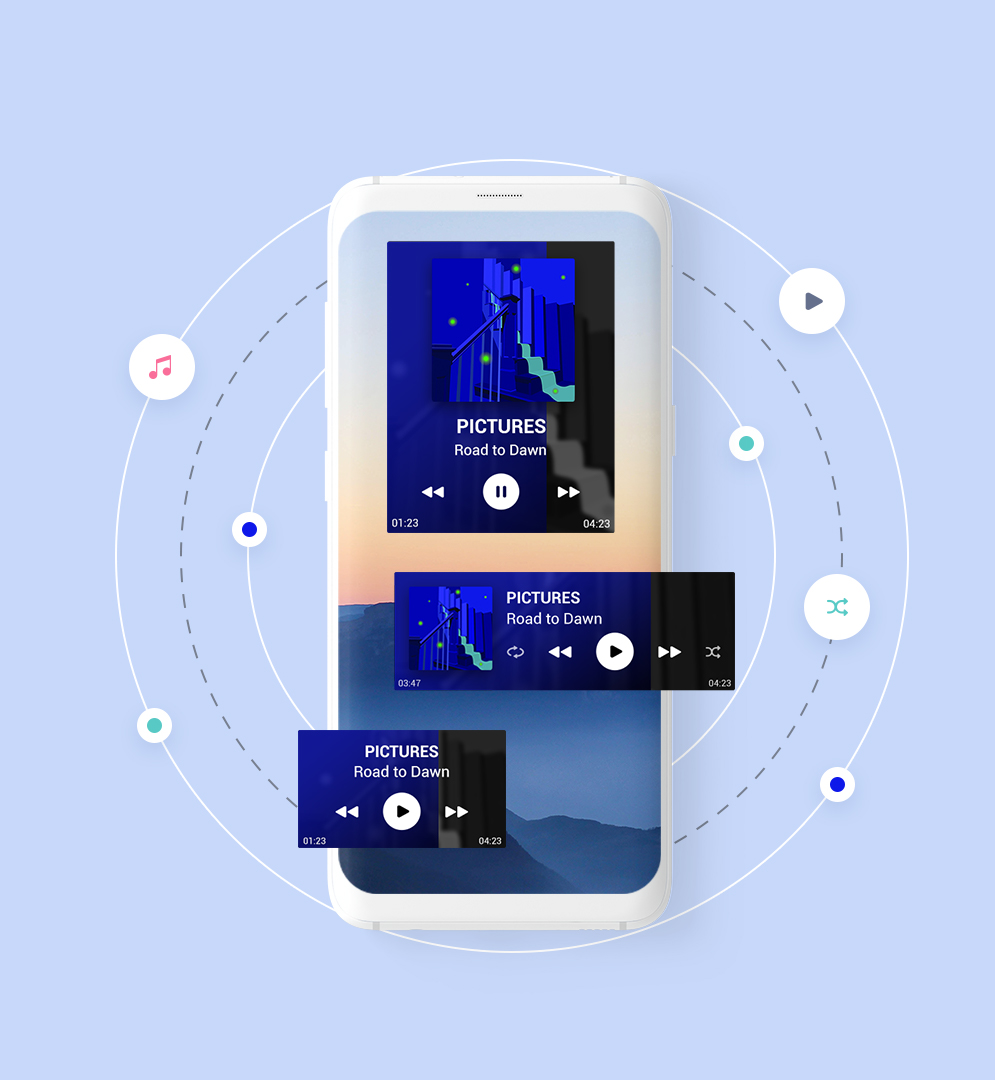
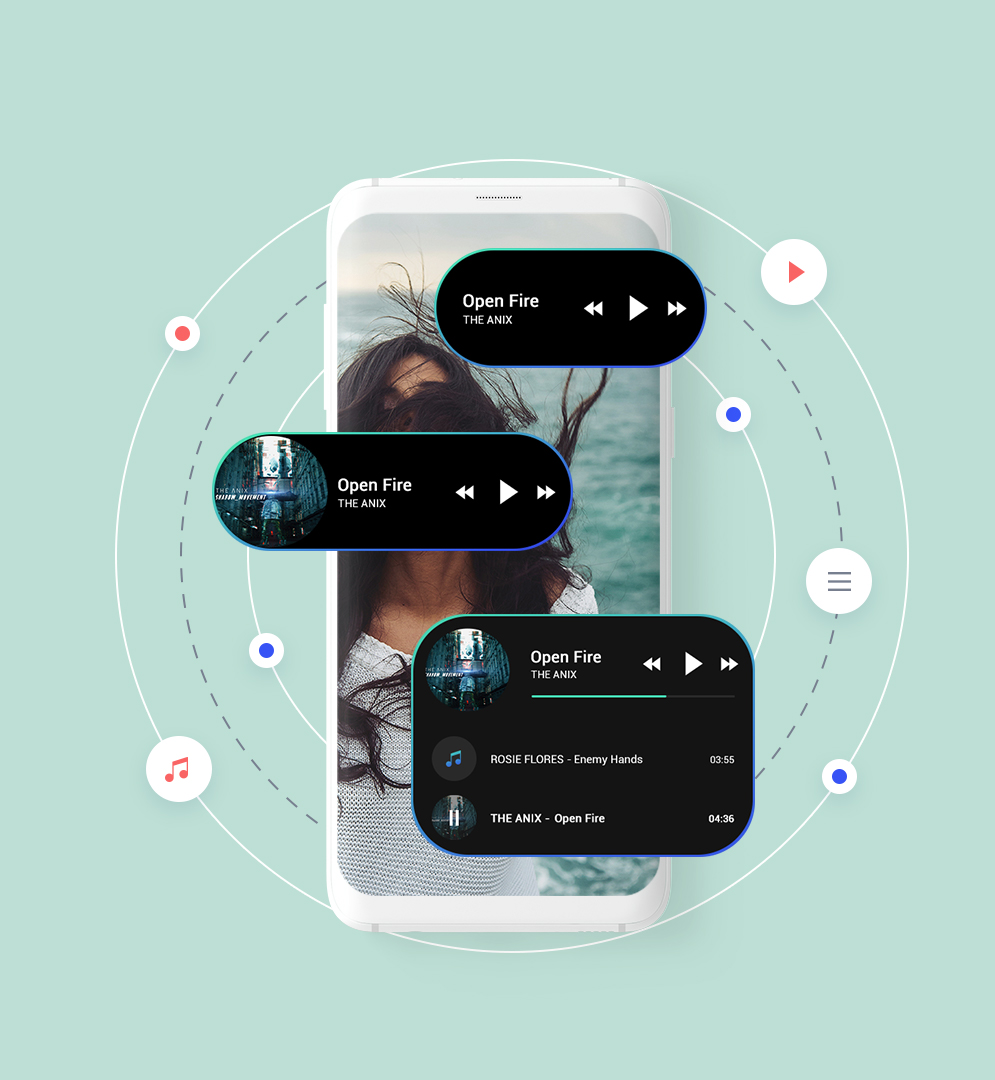
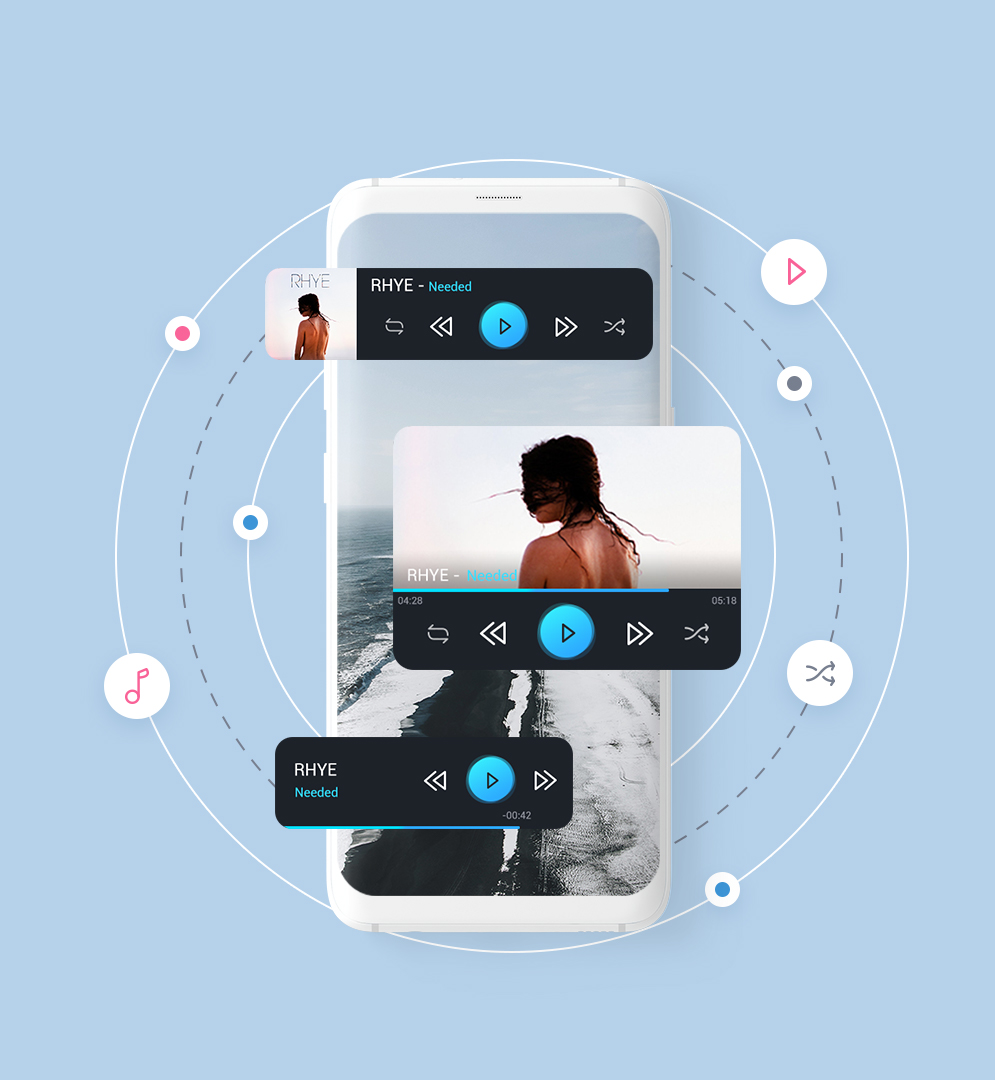
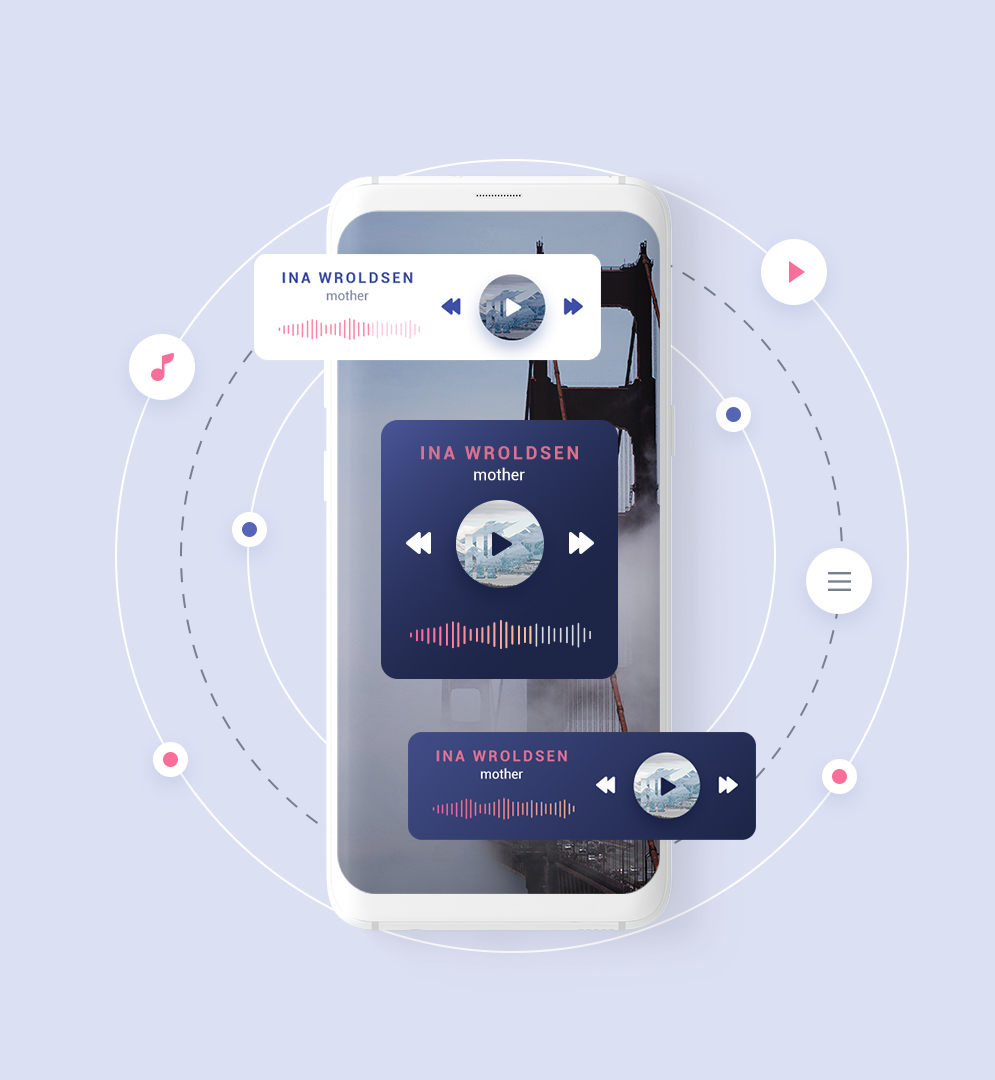
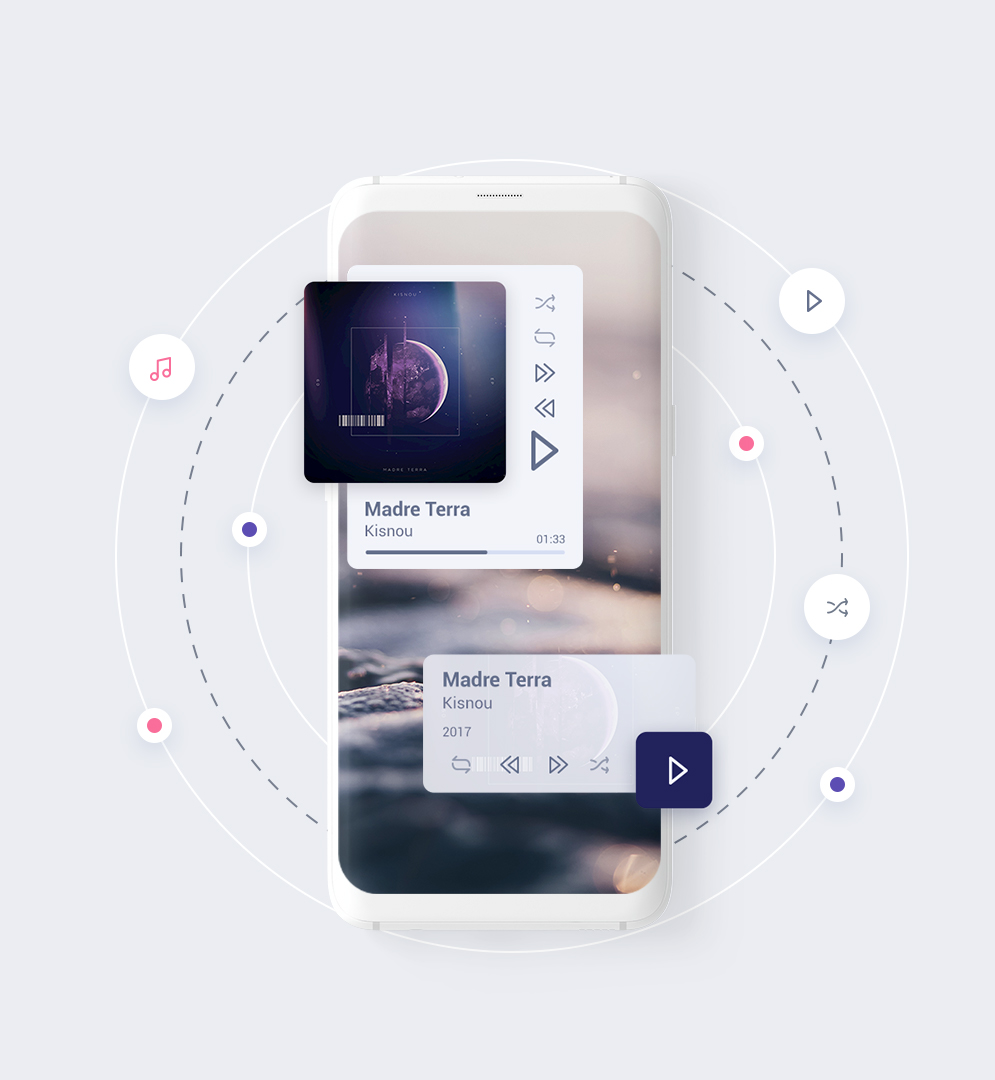
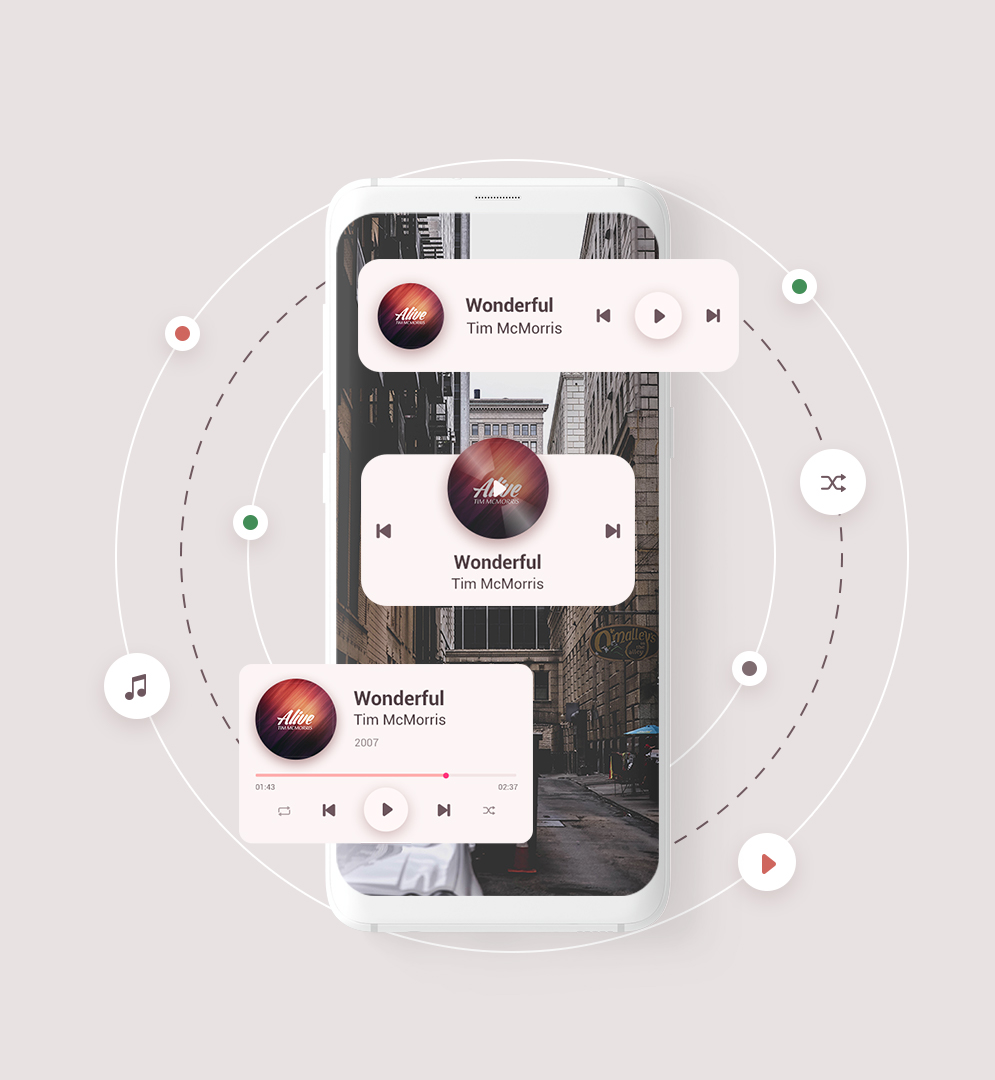
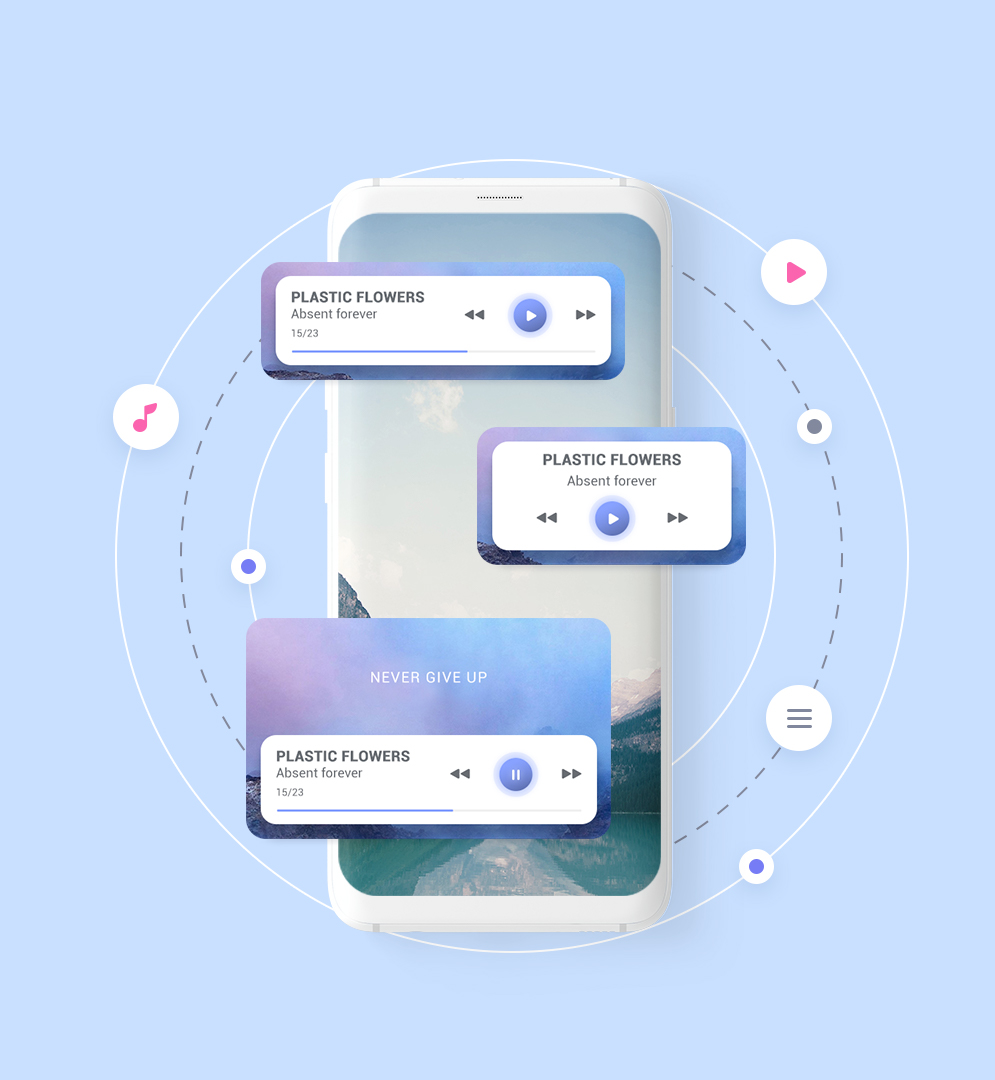
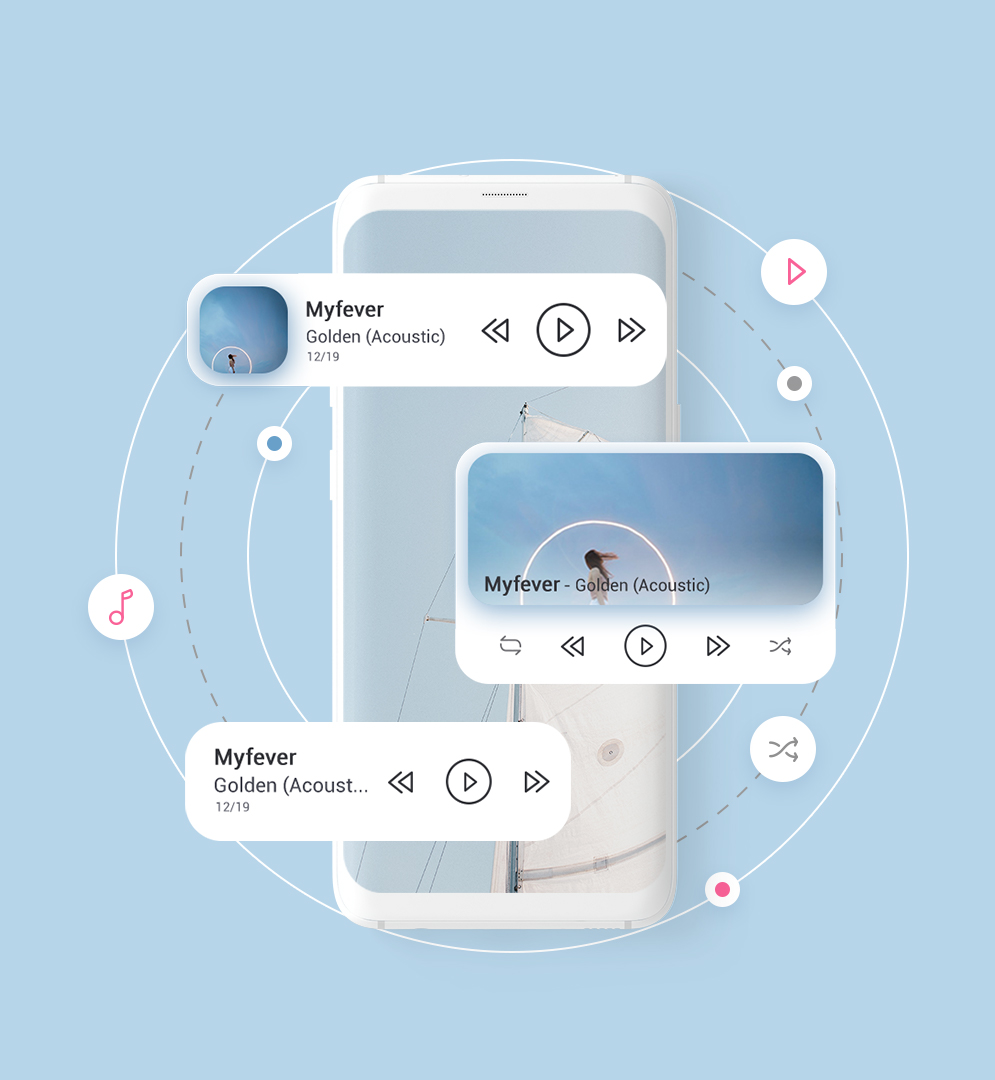
Music widgets on the home screen for the player you already use: Stellio, Spotify, Poweramp and other players.

Music Widgets on a home screen

What a widget shows

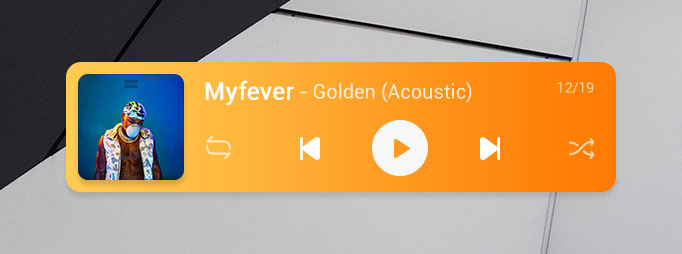
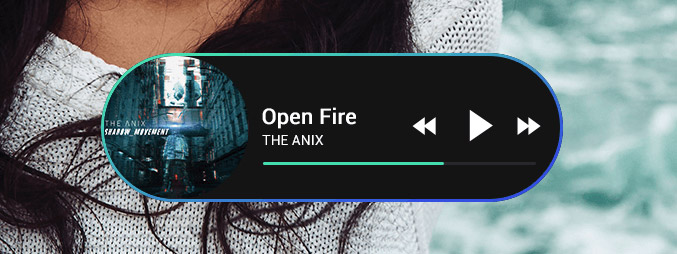
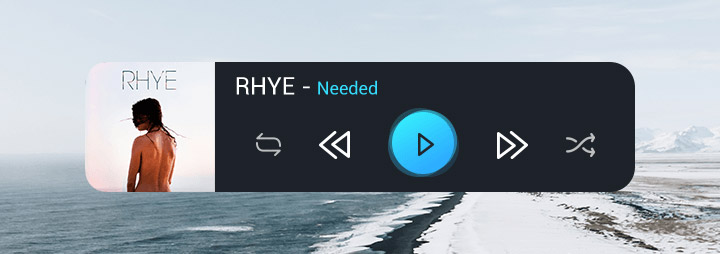
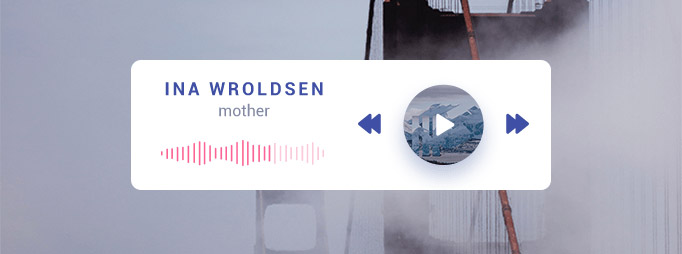
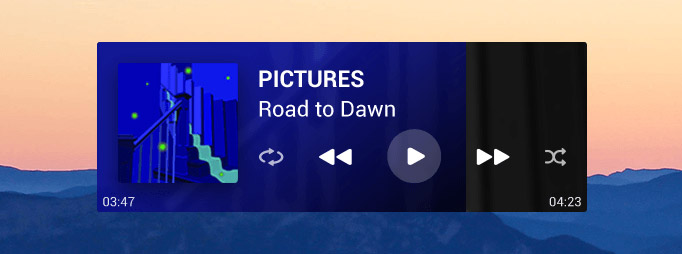
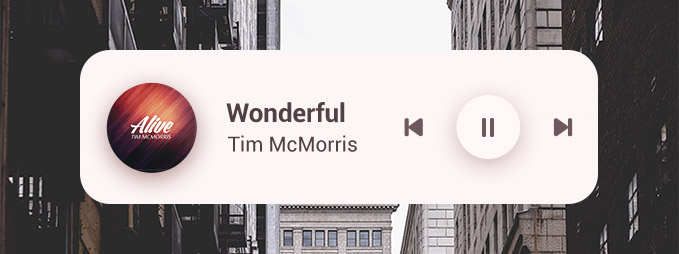
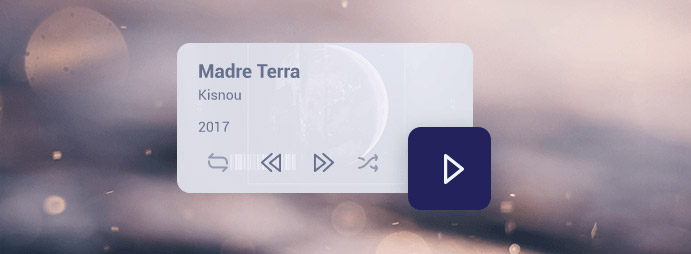
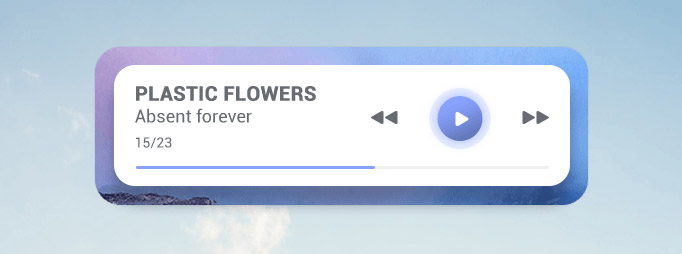
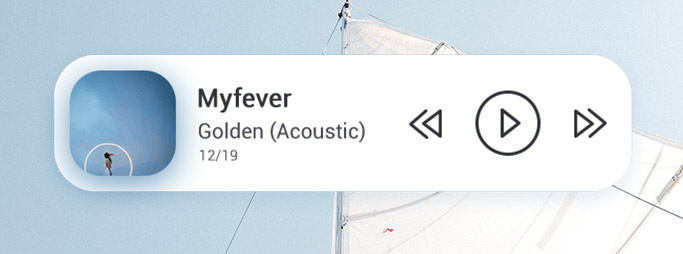
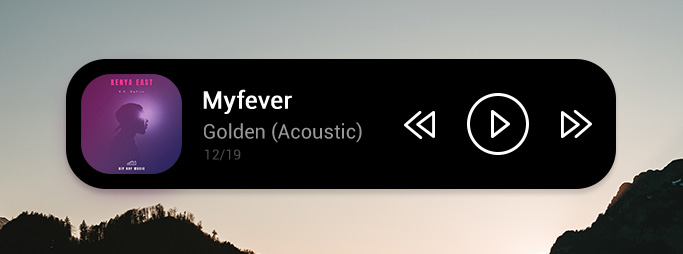
  • The trackTitle, artist and cover, with play/pause, previous and next.
  • Your playerFollows whichever player is playing, or pin a widget to one player.
  • Any sizeFrom a one-row bar to 4×3; every widget resizes.
  • Colours from the coverAccent colours on many designs.
  • ListsLarge widgets show the queue, recent tracks and the player's library.
  • Your settingsTransparency, album art on or off.
  1. Music Widgets on a home screen
  2. Music Widgets on a home screen
  3. Music Widgets on a home screen
  4. Music Widgets on a home screen
  5. Music Widgets on a home screen
  6. Music Widgets on a home screen
  7. Music Widgets on a home screen

Packs

Every pack comes with a matching wallpaper. Blackstone, Moonstone and Lazurite are included; Widgets All Inclusive opens every other pack.

  • Ametrine
  • Azurite
  • Topaz
  • Aquamarine
  • Sapphire
  • Agate
  • Amethyst
  • Lazurite
  • Moonstone
  • Blackstone

Widgets All Inclusive

Every paid pack, future ones too.

Site payments are paused. Bought on Google Play? Email us from the email of the Google account you bought with, and we send a code. Can't buy on Google Play? Email us as well.

How to activate

What's new in Music Widgets

v3.1.0

Styles for every widget

  • Every pack gets a Style row on Configure: pick a ready style, and each widget keeps its own.
  • Custom style: take colours from the album art or the wallpaper, pick a swatch and hue, set transparency. Pinch to zoom the preview.
  • List widgets follow the chosen style too.
  • New Classic pack: the player's own widgets.
  • Fixes: widgets no longer crash on Android 7.0, VK covers load on Android 7.1–9, a paid pack keeps its Buy button when the price fails to load, the pack screen keeps its scroll after rotation.
v3.0.321 Sep 2026

Fixes

  • A list widget with many rows and different covers no longer crashes.

Join the community

Follow updates of other Stellio products and platforms, talk with other listeners, ask for new features and bug fixes.

Music Widgets: questions

Purchase

I bought on Google Play and can't activate

Log in to your Google Play account on this device and reopen Music Widgets: the purchase is applied automatically.

Still not active?

  1. Check that Play Store uses the same Google account you paid with (Play Store → your profile picture).
  2. Check you are online and the Play Store app is up to date.
  3. Clear the Play Store cache: Settings → Apps → Google Play Store → Storage → Clear cache.
  4. Find the order in Play Store → profile picture → Payments & subscriptions → Budget & history. No order there? It was paid from another Google account.
  5. Close Music Widgets completely, wait a few minutes and open it again.

Apps like Lucky Patcher can block the licence check. Nothing helped? Email us from the email of the Google account you bought with.

How do I get my widgets on my other devices?
  1. Sign in to Google Play with the account you bought them with.
  2. Close and open Music Widgets. Your widgets unlock by themselves.
How to get an activation code for Music Widgets?

Buy Music Widgets on Google Play, then email stellio.play@gmail.com from the email of the Google account you bought with: we'll send you an activation code to enter in the app. Can't buy on Google Play? Email stellio.play@gmail.com as well.

Widgets

The widget stops showing the track

Some phone makers (Samsung, Xiaomi, Huawei, OnePlus and others) close apps running in the background to save battery, so the widget stops updating after a while.

To stop it:

  • Open your phone's battery settings.
  • Pick Music Widgets and let it run in the background: choose "Unrestricted" (Samsung: remove it from "Sleeping apps" and "Deep sleeping apps").
Widget says "No data". When I click on a widgets, nothing happens

The player should translate metadata for correct work of widgets. Currently Stellio Player, Poweramp have the best integration.

If you use Stellio - update it to the last version, and ensure that you didn't turn off Translate song metadata preference. Also you should select Stellio in Widgets app.

How to turn off the notification?

Unfortunately android requires notification to run background service.

Why I can't change time on progress bar?

Unfortunately android doesn't have this capabilities for widgets. If you find a widget that can do that - let us know

All help

Basket

The basket is empty.

Price
Sale
Total